
User Manual
BUQ Guide
Everything you need to know to create, customize, and perfect your professional documents with BUQ.
Using the Editor
Choose a Template
Select a base template from the sidebar. Pick one that fits your industry and style.
Customize Colors
Use the Color panel to match your brand. Changes appear instantly in the preview.
Edit Content
Fill in document details, adjust quantities, rates, tax, and more.
Generating Your Invoice
1. Fill in Details
Add number, billing info, payment terms, and method in the editor.
2. Add Line Items
Click "Add Item" to add rows. Describe each service and set rate and quantity.
3. Adjust Totals
Set tax, discounts, and shipping. Totals update automatically.
4. Save & Download
Use "Save Options" to download a high-quality PDF.
Frequently Asked Questions
Answers to the most common questions about BUQ.
Find the Perfect Look for Your Brand
Choose from a wide variety of professionally designed invoice templates. Each one is fully customizable to match your brand and impress your clients.
Classic
Explore our professionally designed invoices, each fully customizable to your brand.
Modern
Explore our professionally designed invoices, each fully customizable to your brand.
Minimalist
Explore our professionally designed invoices, each fully customizable to your brand.
Explore Our Guides & Articles
Dive into expert-written articles to master invoicing and business communication.

How to Create an Invoice Online for Free: Step-by-Step Guide
Learn the essential steps to create a professional invoice online, from choosing a template to sending it to your client.
Read More![What is a Credit Note? How & When to Use It [+ Free Template]](/_next/image?url=%2Fassets%2Fwhat-is-a-credit-note.webp&w=3840&q=75)
What is a Credit Note? How & When to Use It [+ Free Template]
Understand the purpose of a credit note and in which scenarios you should issue one for clear accounting.
Read More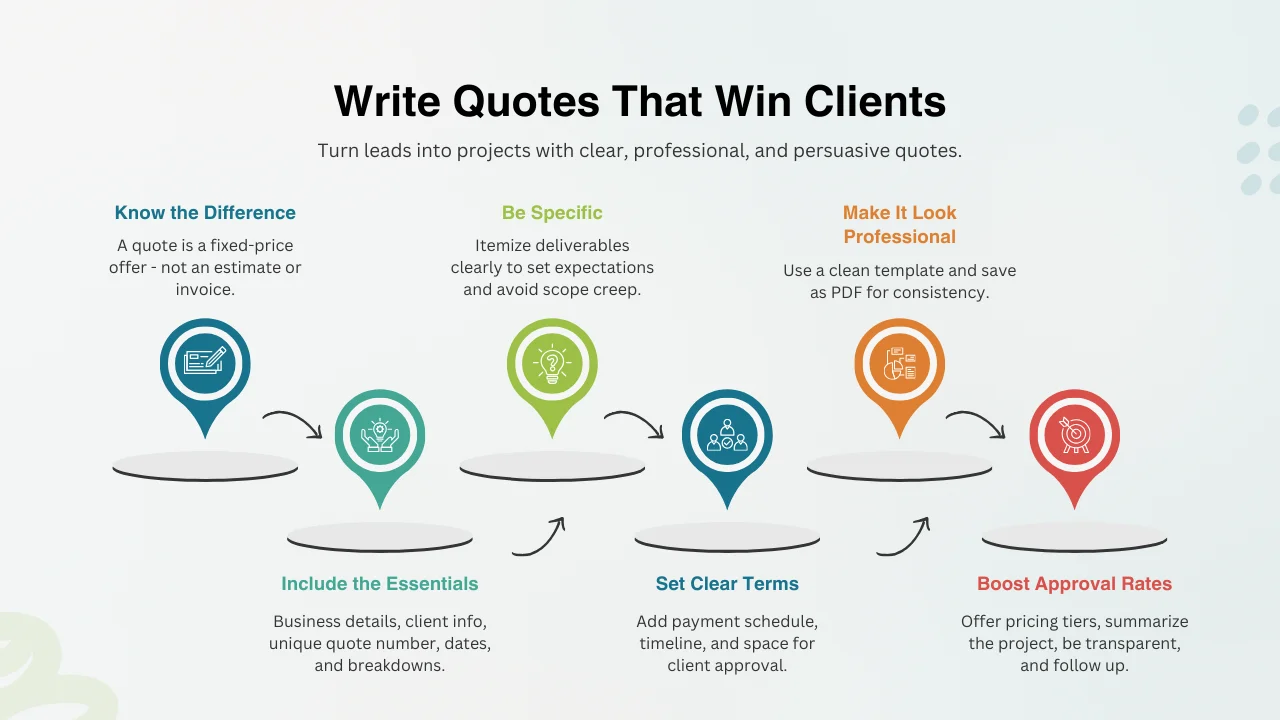
How to Write a Quote That Wins Business (Free Templates Included)
Master the art of writing compelling quotes that clearly outline your services and increase your project approval rate.
Read More
Invoice Generator vs. Invoice Maker: What’s the Difference?
Clarify the difference between simple generators and comprehensive invoice makers to choose the right tool for your business.
Read More